
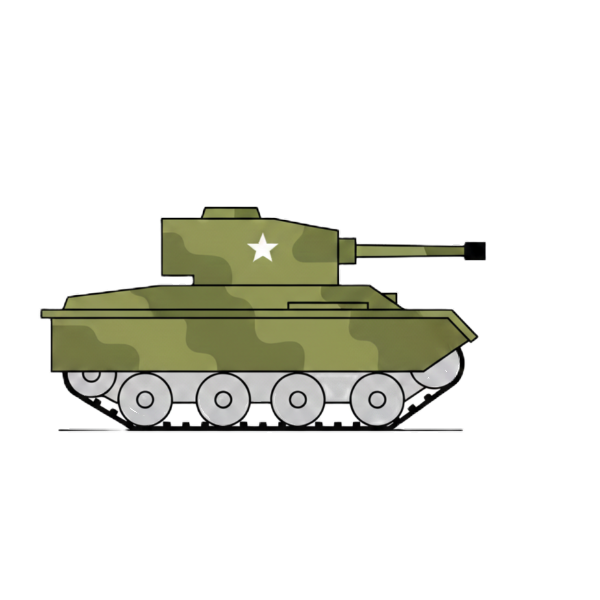
コードエディター 本文
    <img id="walker"
         src="ここに1番目の画像のURL";
         data-alt-src="ここに2番目の画像のURL";>

    <script src="script.js"></script>
カスタムJavaScript
const walker = document.getElementById('walker');
const img1 = walker.src;
const img2 = walker.getAttribute('data-alt-src');

let x = Math.random() * (window.innerWidth - 60);
let y = Math.random() * (window.innerHeight - 60);
let vx = 1; // 現在の横方向の速度
let vy = 1; // 現在の縦方向の速度
let frame = 0;
let isStopped = false; // 止まっているかどうかのフラグ

function update() {
    if (!isStopped) {
        // 1. 移動ロジック
        x += vx;
        y += vy;

        // 壁に当たったら跳ね返る
        if (x + walker.clientWidth > window.innerWidth || x < 0) {
            vx *= -1;
        }
        if (y + walker.clientHeight > window.innerHeight || y < 0) {
            vy *= -1;
        }

        // 座標の反映
        walker.style.left = x + 'px';
        walker.style.top = y + 'px';

        // 進行方向(右か左か)で画像の向きを変える
        walker.style.transform = vx > 0 ? 'scaleX(1)' : 'scaleX(-1)';

        // 2. パラパラアニメーション (歩いている時だけ切り替え)
       frame++;
        if (frame % 20 === 0) {
            walker.src = (walker.src === img1) ? img2 : img1;
        }
    }

    requestAnimationFrame(update);
}

// --- 3. 気まぐれタイマー(2秒ごとに動きを再決定) ---
setInterval(() => {
    const rand = Math.random();

    if (rand < 0.2) {
        // 20%の確率で立ち止まる
        isStopped = true;
        walker.src = img1; // 止まった時は基本のポーズに
    } else {
        // 80%の確率で新しい方向に歩き出す
        isStopped = false;
        // -3px ~ 3px の範囲でランダムに速度を決定
        vx = (Math.random() - 0.5) * 6;
        vy = (Math.random() - 0.5) * 6;

        // あまりに遅すぎると動いて見えないので、最低速度を確保
        if (Math.abs(vx) < 1) vx = vx > 0 ? 1 : -1;
        if (Math.abs(vy) < 1) vy = vy > 0 ? 1 : -1;
    }
}, 2000);

// 実行
update();
カスタムCSS
        #walker {
            position: absolute;
            /* キャラクターのサイズ */
            width: 210px;
            height: 210px;
            /* パラパラ感を出すため、あえて滑らかな移動(transition)はつけません */
        }