
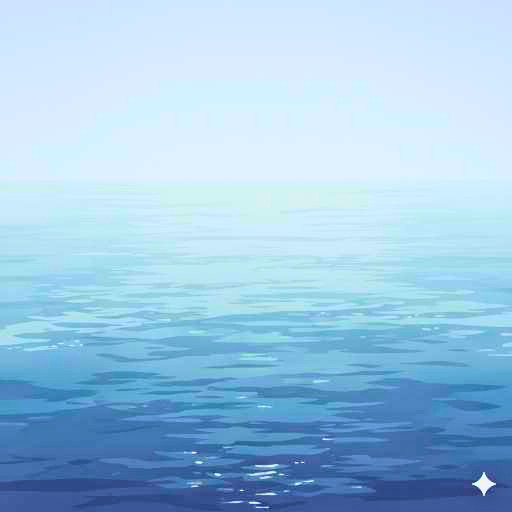
元の画像
コードエディター 本文
<p><canvas id="waterCanvas"></canvas></p>
カスタムJavaScript
const canvas = document.getElementById('waterCanvas');
const ctx = canvas.getContext('2d');
const img = new Image();

// 1. 画像の読み込み
img.src = 'ここに画像のURL'; // テスト用の風景画像
img.onload = () => {
    canvas.width = img.width;
    canvas.height = img.height;
    animate();
};

let time = 0;

function animate() {
    // 画面をクリア
    ctx.clearRect(0, 0, canvas.width, canvas.height);

    // 2. 画像を1ピクセルごとの横縞に分割して描画
    for (let y = 0; y < canvas.height; y++) {
        // サイン波を使って左右のズレ(xOffset)を計算
        // 振幅: 3px, 波の細かさ: y/30, 速度: time
        const xOffset = Math.sin(y / 3 + time) * 30;

        // drawImage(画像, ソースX, ソースY, ソース幅, ソース高, 先X, 先Y, 先幅, 先高)
        ctx.drawImage(
            img,
            0, y, img.width, 1,      // 元画像の y 位置から 1px 分を切り出す
            xOffset, y, img.width, 1 // 計算した xOffset の位置に描画
        );
    }

    time += 0.04; // 揺れ動くスピード
    requestAnimationFrame(animate);
}
カスタムCSS
#waterCanvas {
    outline: 30px solid white;
    outline-offset: -30px; /* 内側に30px食い込ませる */
}