コードエディター 本文
<div class="container">
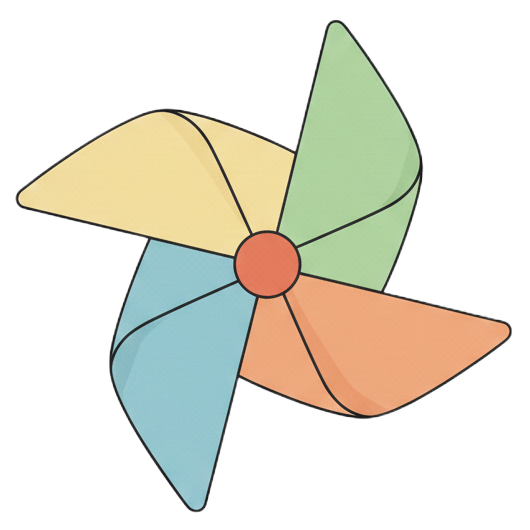
  <img src="ここに画像のURL" id="target-image" alt="回転画像">
  <br><br>
  <button id="rotate-btn">長押しで回転</button>
</div>
カスタムJavaScript
const btn = document.getElementById('rotate-btn');
const img = document.getElementById('target-image');

// 回転を開始する関数
const startRotation = () => img.classList.add('is-rotating');
// 回転を停止する関数
const stopRotation = () => img.classList.remove('is-rotating');

// --- マウスイベント ---
btn.addEventListener('mousedown', startRotation);
btn.addEventListener('mouseup', stopRotation);
btn.addEventListener('mouseleave', stopRotation); // 外に外れたら止める

// --- タッチイベント(スマホ) ---
btn.addEventListener('touchstart', (e) => {
  e.preventDefault(); // 長押しによるメニュー表示などを防ぐ
  startRotation();
});
btn.addEventListener('touchend', stopRotation);
カスタムCSS
#target-image {
  width: 150px;
  height: 150px;
  border-radius: 50%; /* 円形にする場合 */

  /* アニメーションの設定(1秒で1回転、等速、無限ループ) */
  animation: spin 1s linear infinite;

  /* 最初は止めておく */
  animation-play-state: paused;
}

/* ボタンが押されている間、このクラスが付与される */
.is-rotating {
  animation-play-state: running !important;
}

/* 回転の中身 */
@keyframes spin {
  from { transform: rotate(0deg); }
  to { transform: rotate(360deg); }
}

/* 見た目の調整(任意) */
button {
  padding: 10px 20px;
  cursor: pointer;
  user-select: none; /* テキスト選択を防ぐ(重要) */
}